

Heat and the Criminal Profile in GTA 6, Explained
On this page
In GTA 6, wanted stars show how hard the police are chasing you, and heat shows what they know about you. Red icons under the stars stand for your description, your clothes, your car, your weapon, CCTV footage and the fact that Jason and Lucia are together. Each one stays until you deal with it. The criminal profile is a separate, longer-term rating of how you commit crimes.

Quick answer
Read the red icons and clear them one by one: change clothes, ditch or respray the car, drop the weapon, split up from your partner.
Each icon and how to clear it
Icons from the wanted HUD, as reported by guides.
| Icon | Police know | Clear it by |
|---|---|---|
| Hanger | Your clothes | Changing outfit (car trunk, store) |
| Car | Your vehicle | Ditching it or a respray |
| Gun | Your weapon | Dropping or stowing it |
| Two people | Jason and Lucia are together | Splitting up |
| Person / camera | Your description, CCTV | A new look (hair, clothes) and leaving the search zone |
The criminal profile
- It only records crimes that are seen or reported.
- Needless violence against bystanders lowers it; keeping a low profile and helping people raises it.
- Pushed too low, it can break for good (reported as a permanent state).
- Rockstar says it shapes how the story plays out; details are still unclear.
Confirmed, reported, unknown
- Confirmed by Rockstar (Rob Nelson): police keep a persistent description of you; a criminal profile tracks your behaviour.
- Reported (Beebom, GTA Base, The Nerd Stash, All Things How, Gfinity): the icons, how to clear them and how the profile moves.
- Not yet verified by us in the game.
Sources
Useful next steps
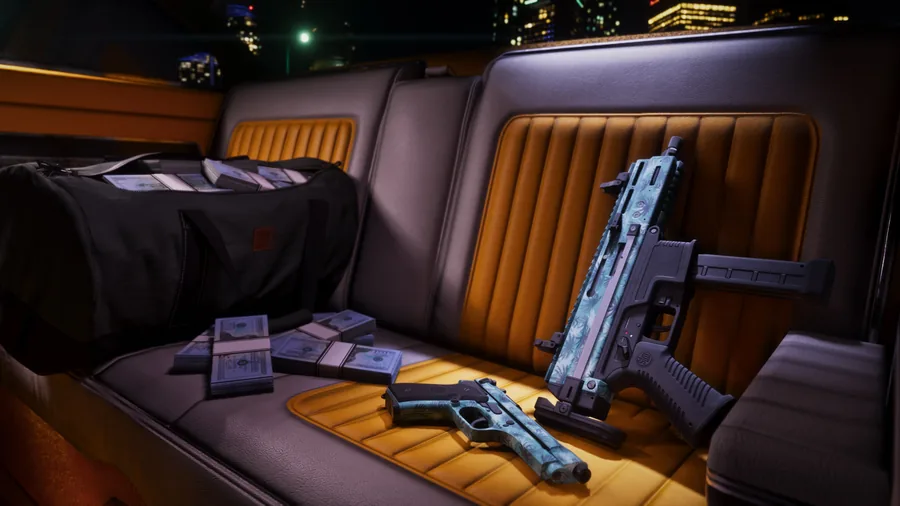
How the car trunk works in GTA 6: open it at the rear of your personal vehicle to swap long guns, take ammo and explosives, and change outfits.

Change clothes in GTA 6 at your safehouse closet or your personal car trunk, and buy new outfits in clothing stores. A new look helps lose the police.

Getting Wasted in GTA 6 costs your pocket cash, picked-up guns and the contents of your stash bag. Owned weapons and banked money are safe.