

GTA VI / IN THIS SECTION
Getting started
Get ready for GTA 6 in a few useful steps: check your download, learn the map and keep a copy of your notes. Choose the guide that matches what you want to do today.
Ready to readChoose a topic. We’ll take you from there.
Places in LeonidaPrepare your download
Open the preparation checklist to check your purchasing account, console updates, free storage and connection. If you want the game ready to download automatically, use download before launch and follow the guidance for your platform.
For a rough transfer estimate, enter the size shown on your console and your download speed in the download calculator. Free storage required and data downloaded are different measurements. Installation and updates can add time after the transfer.

Find your way around the map
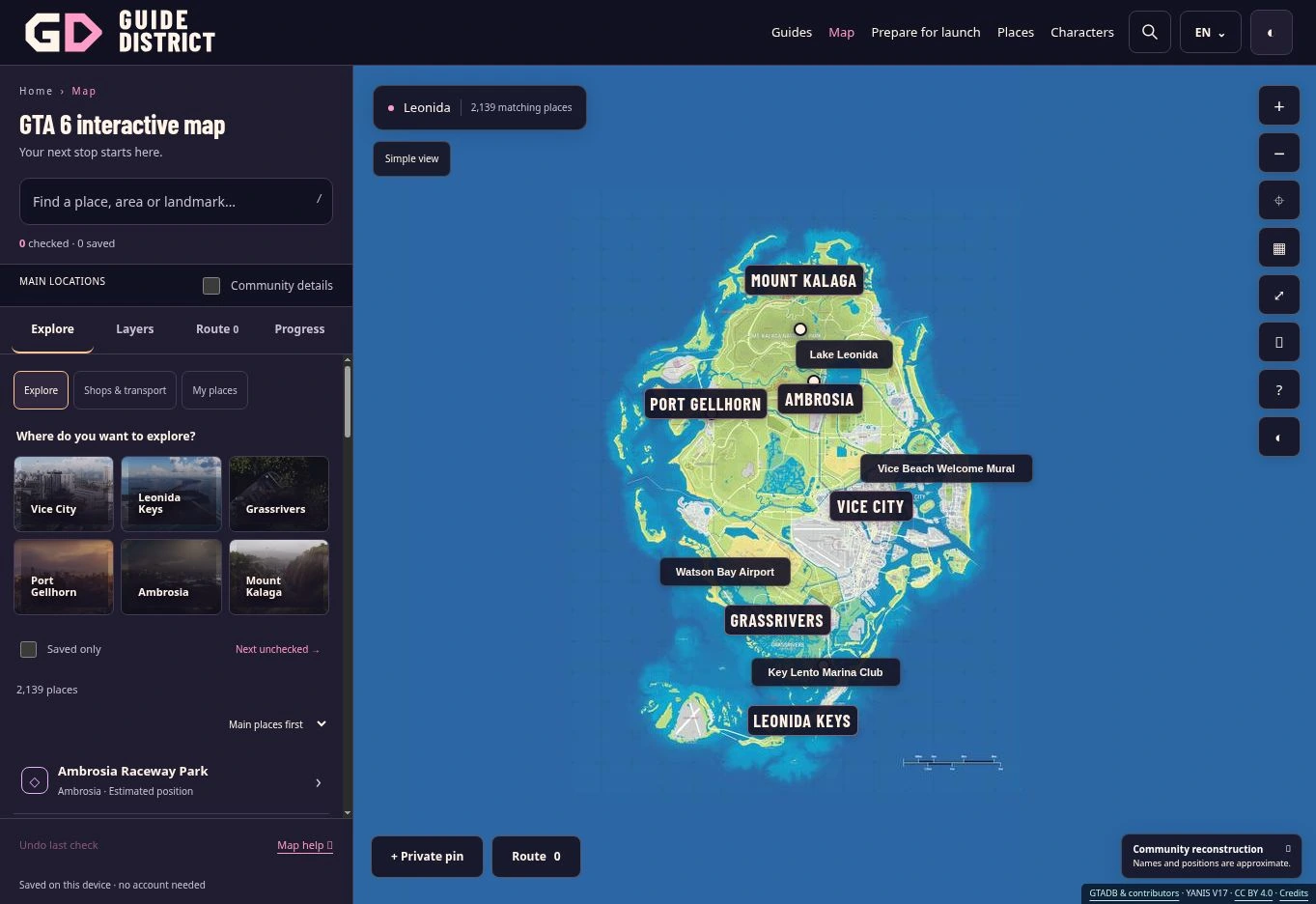
On the interactive map, search for a place or area, then open a result. The map guide explains the list, filters and place cards. Try saving a place with the star, adding a short note and placing it on your route.
Use the map accuracy guide to understand the community estimates. A marker helps you explore the catalogue; it does not establish what you can do at that location in the game.
Keep your work with you
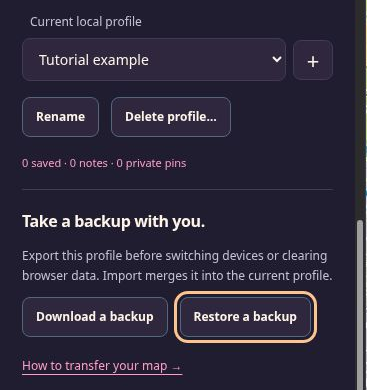
Your notes, pins and checkmarks stay in this browser. Before changing device or clearing site data, follow the backup guide and export each profile you need. The preparation checklist is stored separately and is not included in that file.
If a word is unfamiliar, the gaming glossary explains common terms. For a blank map, missing places or a storage warning, go to problem solving.
In this category
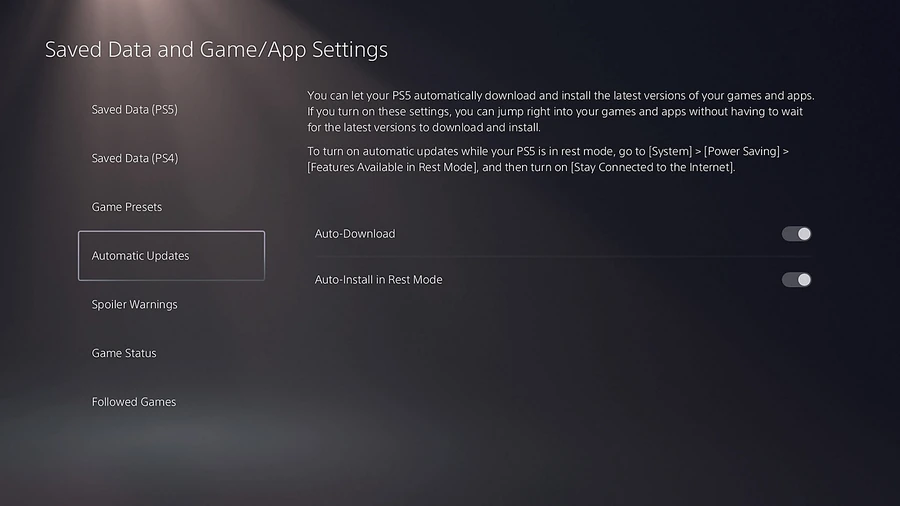
GTA 6 preload times for PS5 and Xbox, automatic download checks, storage preparation and what to do if the download has not appeared.
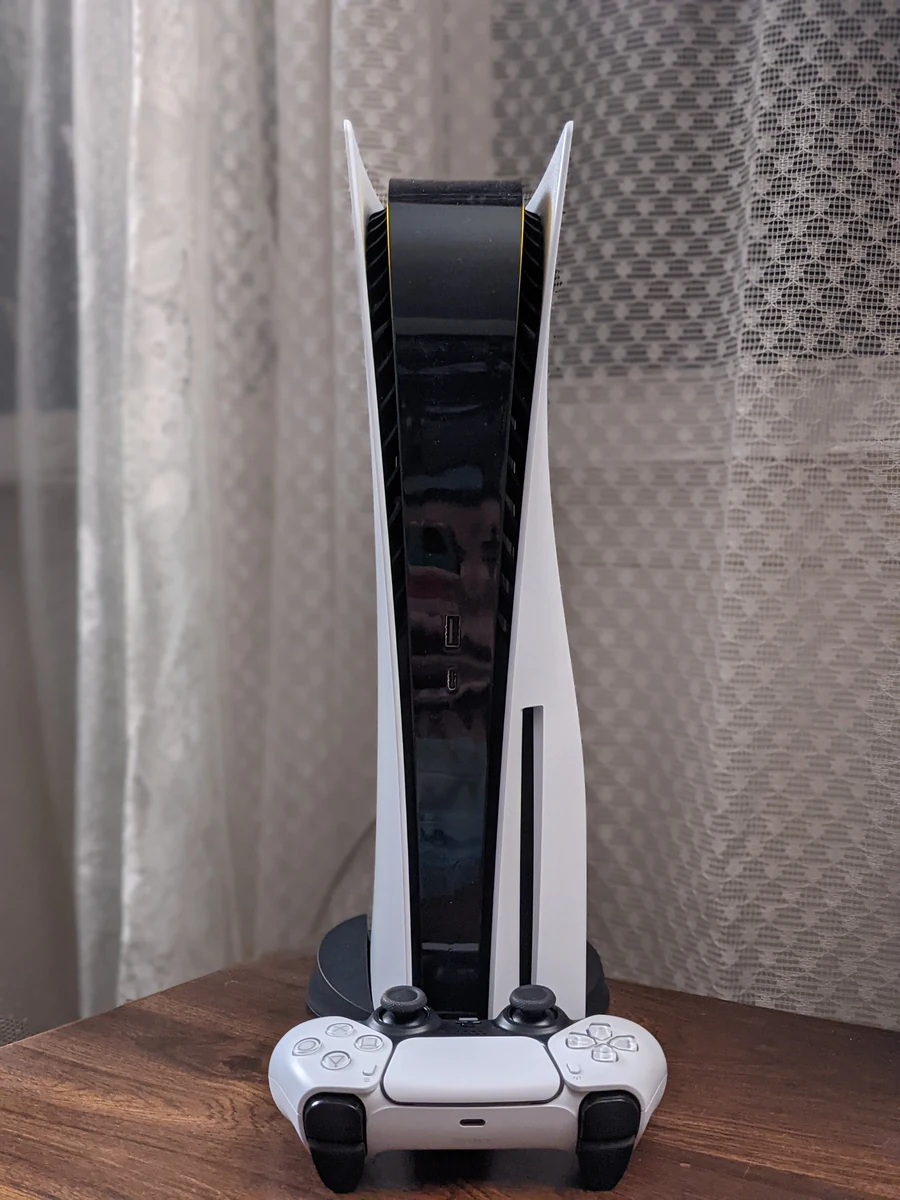
A practical GTA 6 launch checklist: account, storage, downloading, controller and a plan for keeping your map notes safe.

Redeem a GTA 6 code through the official store, check the account and find the right support for missing codes or purchases.
The announced GTA 6 release date and console platforms, with the difference between release, preloading and an unannounced PC schedule.
Free space for GTA 6, PS5 and Xbox storage choices, USB limits and keeping your saves when moving games.
Estimate your GTA 6 download time with file size, connection speed and realistic efficiency, with clear worked examples.
Compare GTA 6 Standard and Ultimate, preorder bonuses, the code-in-box version and regional code restrictions before buying.
GTA 6 voices and text languages listed by PlayStation, with a clear distinction between dubbing, subtitles and unverified menu steps.
GTA 6 download missing, slow or stuck: check the preload schedule, storage and PS5 download queue, with official Xbox support links.
GTA 6 installed but locked or unable to start: release time, purchase account and PS5 license checks before downloading it again.
Understand common guide terms and distinguish a website route, map checkmark or JSON backup from in-game progress.
Useful right now
A few things you can already get ready.
A practical GTA 6 launch checklist: account, storage, downloading, controller and a plan for keeping your map notes safe.
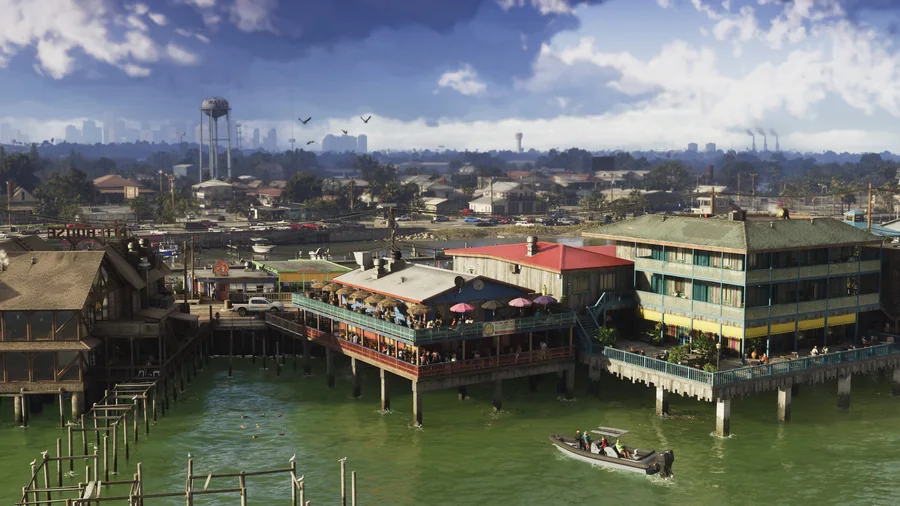
Understand Leonida through its regions, official images and the community map, with a clear distinction between scenery and verified locations.