

GTA 6 Phone Apps: What Each One Does
On this page
In GTA 6, Jason and Lucia carry a real phone with apps that tie into the game’s systems. The ones you will use most: WAiNK to scan cars, RydeMe for rides across the map, Scooter Bros to bring your car to you, and BuckMe to keep your money safe in the bank.
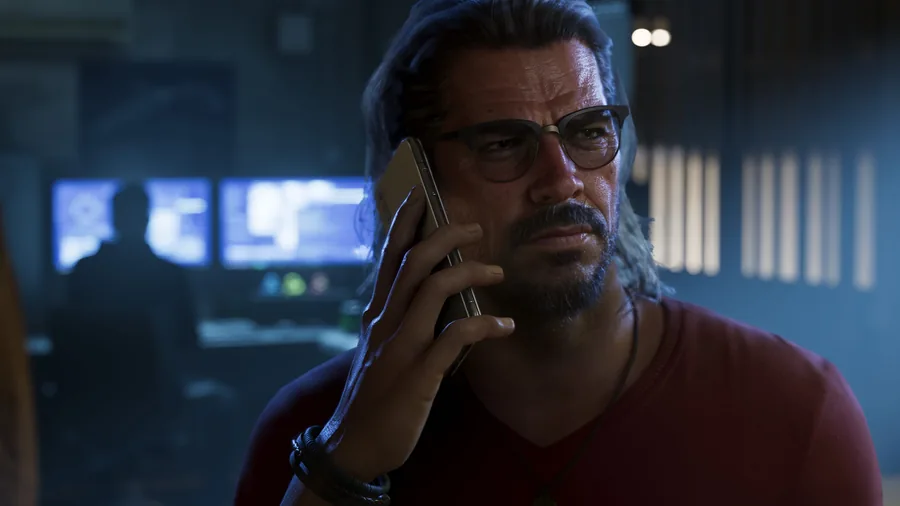
Quick answer
Open the phone with Up on the D-pad. Get BuckMe early so a death does not cost you your cash.
Hold Up on the D-pad instead of tapping it and you jump straight to WAiNK, the car scanner.
How to use the phone, step by step
- Press Up on the D-pad. Your character takes the phone out; it is a real object in their hand, not a menu.
- Move between apps with the D-pad and open one with Cross/A.
- Look at the Recommended row at the top, noted by one guide: it lists what you can do right now.
- To scan a car, hold Up on the D-pad, aim the phone at a parked car and press R1/RB. See WAiNK.
- To call someone, open Contacts and pick a name. See phone contacts.
- When the phone rings, press Up on the D-pad to answer, according to Beebom. The same guide says holding Circle/B ends a call early.
The apps
App names are the same in every language.
| App | What it does |
|---|---|
| WAiNK | Scans a parked car: value, locks, alarm, tracker, registration cost |
| RydeMe | Paid rides across the map (fast travel) |
| Scooter Bros | Delivers your personal vehicle to you (unlocked with the mission Moses) |
| BuckMe | Bank account: banked money is safe when you die |
| Vice City Real Estate | Buy garages (later in Chapter 2) |
| Snapmatic | Browse and follow social posts; no public posting |
| Fitness app | Tracks sleep and activity, plus Strength, Cardio and Focus |
| On Demand | Watch shows |
| WhatUp | Messages with other characters and between Jason and Lucia; often how a mission starts |
| Contacts | Call the people and services you have met |
| Camera and Gallery | Take photos and selfies; the Gallery keeps them |
| News and Weather | Stories from around Leonida, some about what you did, and the forecast |
| Settings | Wallpaper, ringtone and add-ons such as the Key Cloner |
When each app unlocks
- From the first hours: Contacts, Camera, Gallery, Snapmatic, Fitness, News, Weather, WhatUp, Settings and WAiNK. Beebom lists WAiNK from the start; another guide says Cal installs it during an early Chapter 1 mission.
- BuckMe: the Chapter 1 mission BuckMe. See the bank account.
- RydeMe: after BuckMe. Some guides say soon after, others say Chapter 2. See getting around.
- Scooter Bros: the Chapter 2 mission Moses. See where is my car.
- Vice City Real Estate: Chapter 2, after Moses’ second mission, Daily Driver, according to three guides. See garages.
- Key Cloner: added to the phone by Randy’s mission in Chapter 3. See stealing cars.
Change wallpaper and ringtone
Open the phone, pick the gear icon (Settings), then Wallpaper or Ringtone. Two guides describe it. The phone plays each ringtone once when you select it, and there is a Silent option. One guide notes that photos you take cannot be used as wallpaper.
The phone itself can change too: electronics stores sell phone cases. See shops and services.
What the phone cannot do
- No number pad is reported. You call from Contacts only, so you cannot dial a number by hand.
- You cannot post your own photos on Snapmatic. Two guides say you only browse, follow and like.
- A dating app exists in the world, but Beebom says it belongs to other characters, not to Jason or Lucia.
- Jason and Lucia each carry their own phone. Tools such as the Key Cloner are reported to be installed on both.
If something does not work
- An app is missing: it has not unlocked yet. Keep playing the story; the list above shows where each one arrives.
- WAiNK shows nothing: aim at a parked car and press R1/RB. A quick tap of Up only opens the home screen.
- RydeMe finds no driver: call Paradise Taxi from Contacts instead.
- Scooter Bros will not bring a car: it only delivers a registered personal vehicle. See how to keep a car.
- Your partner keeps texting: answer. Guides say ignoring calls and messages can hurt the relationship. See Jason and Lucia’s relationship.
Watch it in the game
A creator shows it step by step in this video. The video loads only when you press play.
Confirmed, reported, unknown
- Confirmed by Rockstar: WAiNK and the RydeMe ride app were shown in official gameplay previews.
- Reported (GTA Boom, Beebom, GamingDeputy, PowerPyx): BuckMe, Scooter Bros, Vice City Real Estate, Snapmatic, fitness, On Demand.
- Reported (Beebom, GTA Boom): WhatUp is the messaging app. Reported (Beebom, Bloxodes): wallpaper and ringtone in Settings, and holding Up for WAiNK.
- One source only: how to answer and end a call, the Recommended row, the dating app detail.
- Unknown: whether any app differs between Jason’s and Lucia’s phones.
- Not yet verified by us in the game.
Questions you might have
How do I open the phone in GTA 6?
Press Up on the D-pad. Hold it to open the WAiNK scanner directly.
How do I answer the phone in GTA 6?
Press Up on the D-pad when it rings, according to Beebom. Opening the phone picks up the call.
What apps are on the phone in GTA 6?
WAiNK, Contacts, WhatUp, Camera, Gallery, Snapmatic, Fitness, News, Weather and Settings early on, then BuckMe, RydeMe, Scooter Bros and Vice City Real Estate with the story.
Can you dial numbers in GTA 6?
No guide reports a number pad. You call people and services from Contacts.
Can you post photos on Snapmatic?
No. You can take photos with the Camera, but Snapmatic is only for browsing and following.
Sources
- GTA Boom — GTA 6 phone apps
- Beebom — all apps on the GTA 6 phone
- GamingDeputy — les 7 applications du téléphone (FR)
- PowerPyx — Moses (Take A Vehicle to Moses) walkthrough
- PowerPyx — GTA 6 how to get a new personal car
- Beebom — how to use the phone in GTA 6
- Bloxodes — GTA 6 phone apps
- Bloxodes — how to sell stolen cars (WAiNK scan)
- GTA Base — how to fast travel in GTA 6
Useful next steps
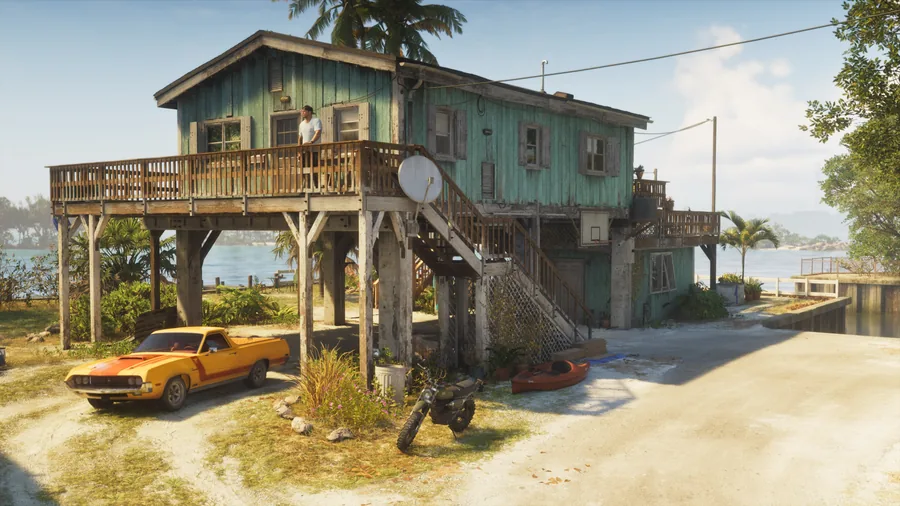
Keep a stolen car in GTA 6: register it at Moses after the mission Moses (Chapter 2), or at Pay ’n’ Spray from Chapter 3. You need a free garage slot.

GTA 6 garages: buy them in the Vice City Real Estate app later in Chapter 2. Each adds room for personal vehicles. Story garages are free.
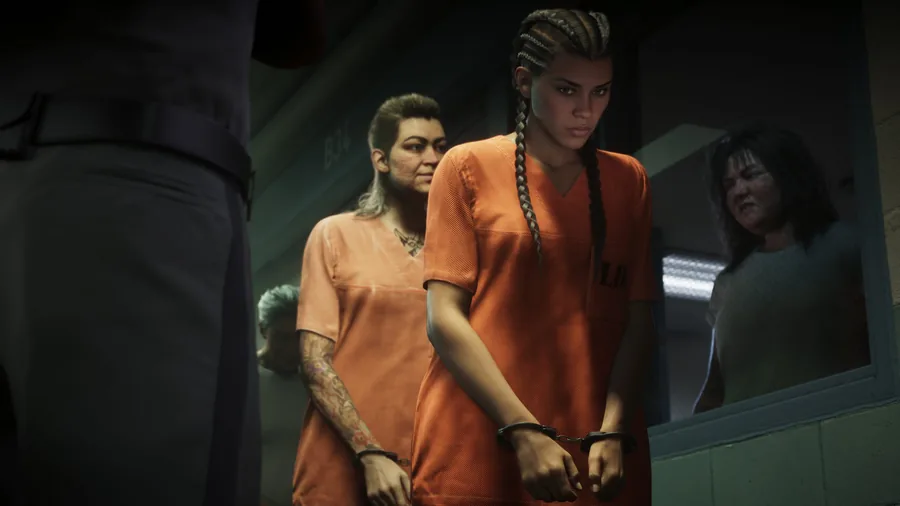
Getting Wasted in GTA 6 costs your pocket cash, picked-up guns and the contents of your stash bag. Owned weapons and banked money are safe.
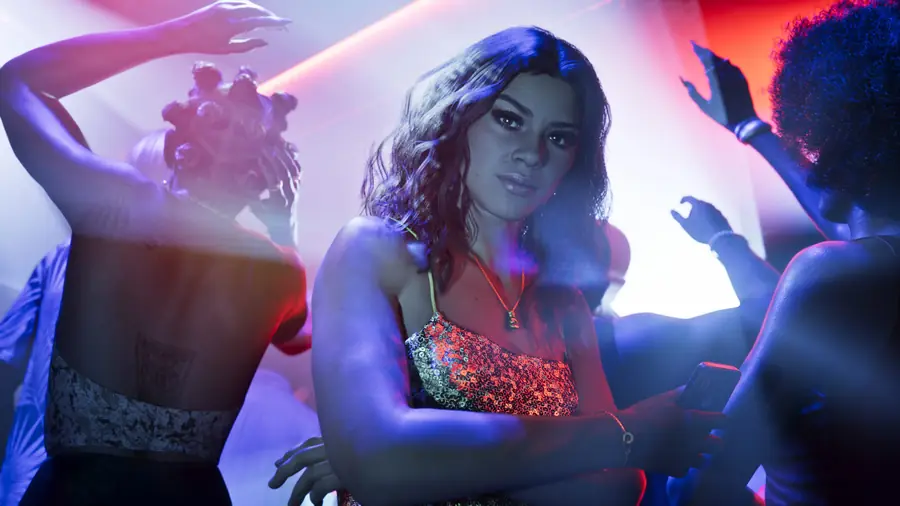
Who you can call in GTA 6: Paradise Taxi, Joey the mechanic, your partner, fences and job givers. What each call does and how contacts unlock.

WAiNK scans a parked car in GTA 6 and shows its value, locks, alarm, tracker, the tool you need and the registration cost. Open it with Up on the D-pad.
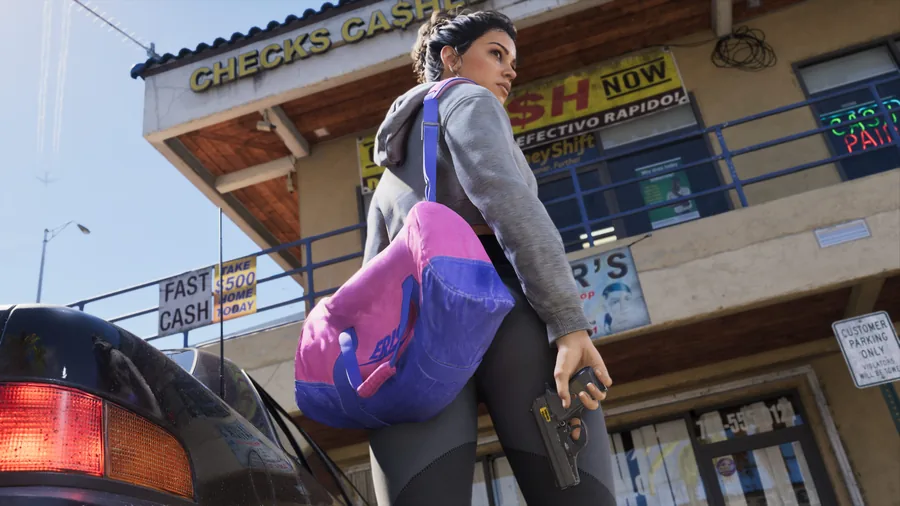
Your GTA 6 bank account is the BuckMe app, unlocked in the Chapter 1 mission BuckMe. Deposit cash at any ATM so a death does not cost you.