

How to Get a Bank Account in GTA 6 (BuckMe and ATMs)
On this page
You start GTA 6 without a bank. In the Chapter 1 mission BuckMe, Jason and Lucia try a Fleeca bank in Key Lento, get turned down, and are given BuckMe, a banking app. From then on, deposit cash at any ATM: banked money is safe, while cash on you is lost if you die or get arrested.
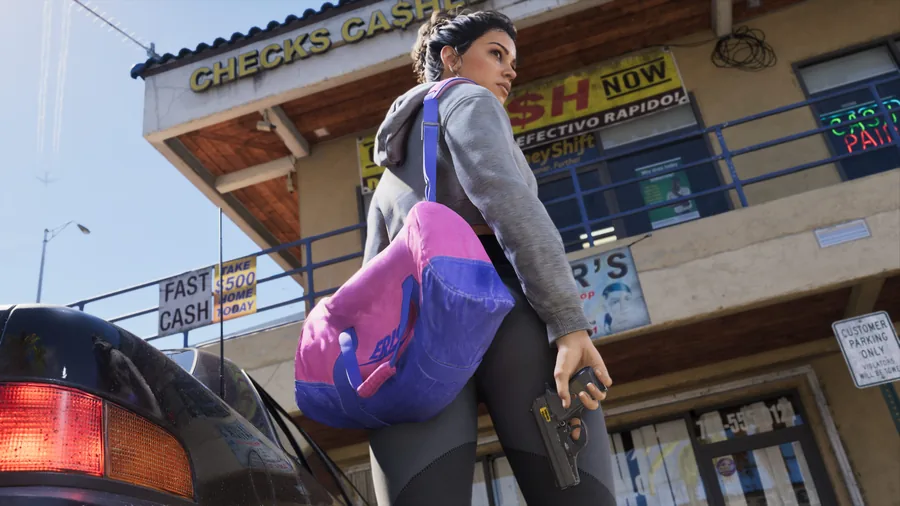
Quick answer
Finish BuckMe, then use any ATM (the BuckMe app has an ATM finder; there is one right next to Jason’s house). Bank your cash after every job.
If the account stops taking money, it is full. Rockstar confirms the limit goes up as you play the story.
How to get the bank account, step by step
- Play the Chapter 1 story until Lucia calls about the bank. The mission is called BuckMe.
- Go to the Fleeca bank in Key Lento and talk to the teller, then the manager.
- The bank turns you down. You are sent to BuckMe, a banking app, and it appears on your phone with $100 in it.
- A short follow-up, Deposit Cash Into BuckMe, asks for a first deposit at any ATM.
- A third task, Save for the Future, stays open for the whole story. It tracks your Family Savings goals and is optional.
How to deposit cash
- Press Up on the D-pad to open the phone and pick BuckMe.
- Choose ATM Finder, Set Destination. It marks the nearest ATM on your map. The Index lists ATMs as well.
- Walk up to the ATM and use it.
- Choose how much pocket cash to deposit. One guide adds that you can also withdraw from Checking there.
- Do it right after a robbery or a car sale, before anything else.
Checking and Family Savings
- Checking: the money you spend. You get $100 as a welcome gift.
- Family Savings: money moved here stays for good and cannot be withdrawn. It fills savings milestones that unlock account benefits and discounts.
- Jason and Lucia share one account.
- Cash you carry is capped (reported at $20,000), so deposit often.
- Shops take pocket cash only up to $999. Anything dearer is paid from BuckMe, so big purchases need money in Checking.
Bank limits and how to raise them
Checking has a ceiling. Rockstar Support says the limits on BuckMe accounts increase as the story progresses, and that a payment that fails because Checking is full is paid out once the account is upgraded.
Guides add a second lever: Family Savings goals. Two guides list a starting cap of $15,000, then $100,000, $500,000 and $2,000,000 as you hit savings goals. One guide gives the first goals as $5,000, $10,000 and $100,000 saved, with 20% off RydeMe and 20% off garages along the way. Those perks have one source so far.
So when the account is full you have three moves: spend some, move money into Family Savings, or play the next story missions. More on that trade-off in investing and what to buy first.
How much cash to carry
- Keep a few hundred dollars on you. Taxis and gas are paid from your pocket. See getting around.
- Bank the rest. Pocket cash is lost when you die or get arrested. See death and arrest.
- Two guides add that a death also takes a small fee from Checking. Family Savings is never touched.
- Before the mission BuckMe, hide cash under the floorboards in Jason’s bedroom. See the stash.
- Before the mission Tourist Trap, guides advise moving spare cash into Family Savings. See what you lose after Chapter 1.
If you cannot deposit
- The ATM refuses: Checking is at its limit. Move money to Family Savings or keep playing the story.
- No BuckMe app: you have not done the mission BuckMe yet.
- A payment says pending: same cause. It is paid when there is room or after the next upgrade.
- Nothing to deposit: loot is not cash. Sell it to a fence first. See fences.
- No ATM nearby: use ATM Finder in the app.
Confirmed, reported, unknown
- Confirmed by Rockstar (Rob Nelson): cash on you can be lost; banked money is safe.
- Confirmed by Rockstar Support: BuckMe limits rise with the story, and pending payments are processed after an upgrade.
- Reported (GamerBlurb, PowerPyx, GTA Base, GameRiv, eGamers): the mission BuckMe, ATMs, Family Savings rules, shared account, cash cap.
- Reported (eGamers, Izoate): Checking caps of $15,000, $100,000, $500,000 and $2,000,000. Reported (PowerPyx, GTA Base): a small fee on Checking when you die.
- One source only: the perks per savings goal, and a claim that Jason and Lucia each have their own Checking with a joint Family Savings. BuckMe Premium is reported later in the story, but guides disagree on the chapter and the perks.
- Not yet verified by us in the game.
Questions you might have
Can you withdraw from Family Savings?
Reported no: money moved to Family Savings stays there. Keep spending money in Checking.
How do I deposit money in GTA 6?
Open BuckMe on the phone, use ATM Finder, go to the ATM and deposit your pocket cash.
Where are the ATMs in GTA 6?
All over the map. The BuckMe app’s ATM Finder marks the nearest one, and there is one by Jason’s house.
Why can't I deposit money in GTA 6?
Your Checking account is full. Rockstar says limits rise as the story progresses; until then, spend or move money to Family Savings.
How do I increase my bank limit?
Play the story, as Rockstar Support confirms. Guides add that Family Savings goals raise the Checking cap too.
Can you transfer money between Jason and Lucia?
No transfer option is reported. Guides say the two share the BuckMe money, so there is nothing to move.
Sources
- GamerBlurb — GTA 6 how to get a bank account
- PowerPyx — BuckMe (Set Up Bank Account) walkthrough
- GTA Base — Deposit Cash Into BuckMe
- GameRiv — store money safely before you have a bank
- eGamers — BuckMe guide: Family Savings, limits and perks
- GTA Base — how to make money in GTA 6
- Rockstar Support — cannot put any more money in my BuckMe account
- PowerPyx — Deposit Cash Into BuckMe walkthrough
- Izoate — selling cars, BuckMe caps and pocket cash
- Stack Archive — GTA 6 money guide: pocket cash, BuckMe and Family Savings
- outputlag — GTA 6 beginner tips
Useful next steps
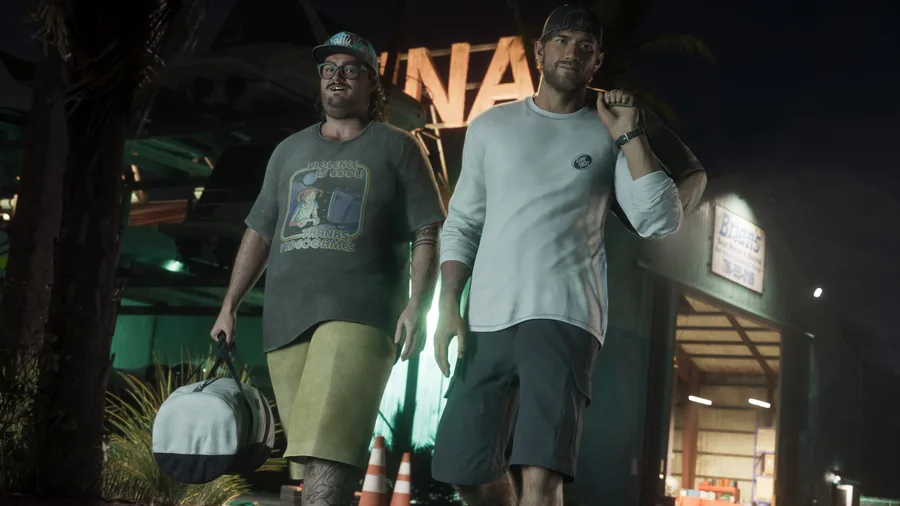
Early in GTA 6, hide cash under the loose floorboards in Jason’s bedroom. Loot in your bag is not money until you sell it to a fence.
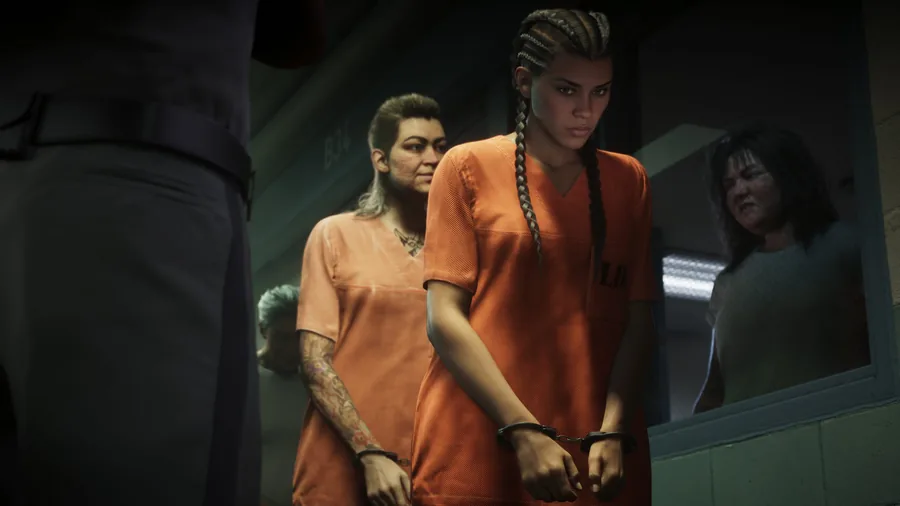
Getting Wasted in GTA 6 costs your pocket cash, picked-up guns and the contents of your stash bag. Owned weapons and banked money are safe.
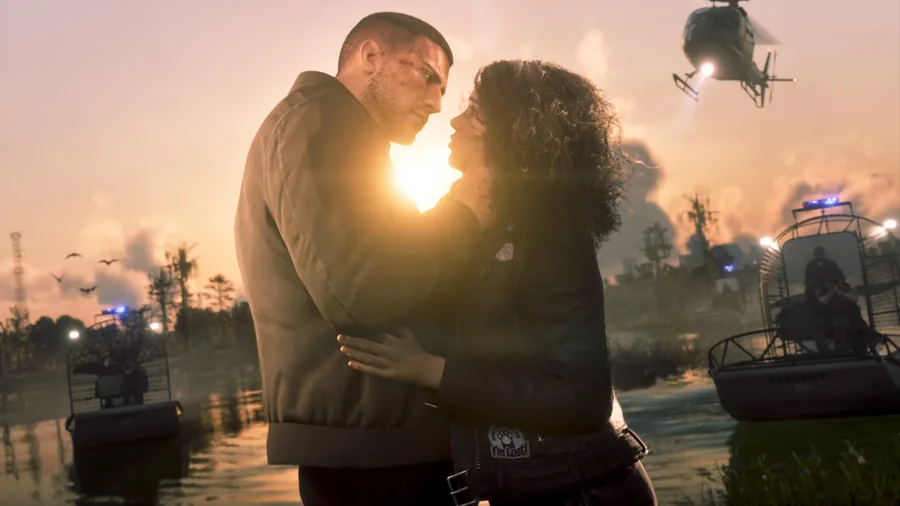
At the end of GTA 6 Chapter 1, Jason's house burns and his floorboard cash is lost. Guides say Chapter 1 money is lost. Save before Tourist Trap.

GTA 6 has no stock market so far: no BAWSAQ, no LCN, no shares. Family Savings in BuckMe is the only place your money grows in value for you.

What to buy first in GTA 6: keep cash for story missions, body armor, a car you register, then garages. What to skip and when to wait for discounts.
Every GTA 6 phone app explained: WAiNK car scanner, RydeMe rides, Scooter Bros delivery, BuckMe bank, Vice City Real Estate, Snapmatic and more.