

GTA VI / IN THIS SECTION
Online play
Joining friends, understanding account requirements and solving a connection problem are separate needs. Identify which one you have, then look for information about the exact service and platform concerned.
Details not confirmed yet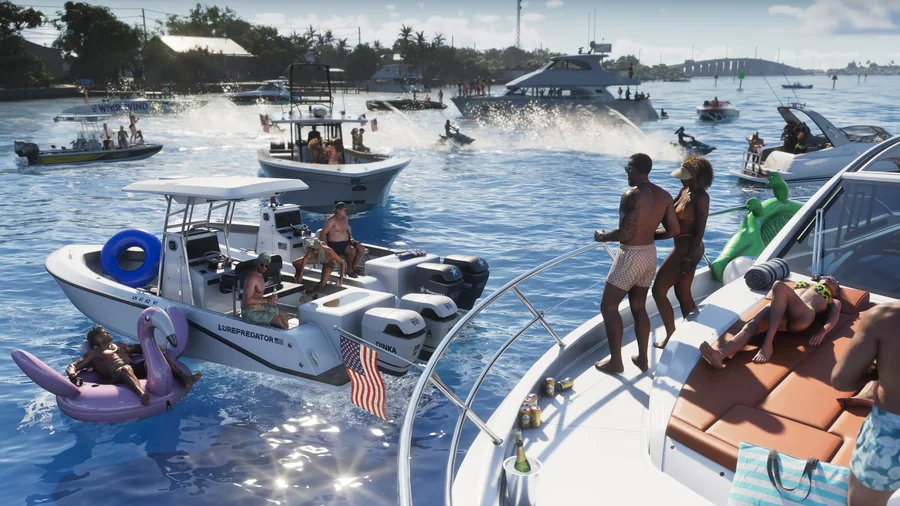
We’ll add the steps and locations as we can verify them in GTA 6. Until then, explore the places already introduced.
Places in LeonidaStart with the exact service and platform
Before following online advice, check its platform and service, especially for invitations, subscriptions, shared progress or cross-play. None of those features follows automatically from the words online play. Use official announcements and release information to check what has actually been stated before assuming an option is available.
Keep map profiles separate from game accounts
Your GuideDistrict map profile stores personal notes and checkmarks in the browser. It does not create an online game account or connect to your game save. The privacy page explains those boundaries and local storage.
Useful right now
A few things you can already get ready.
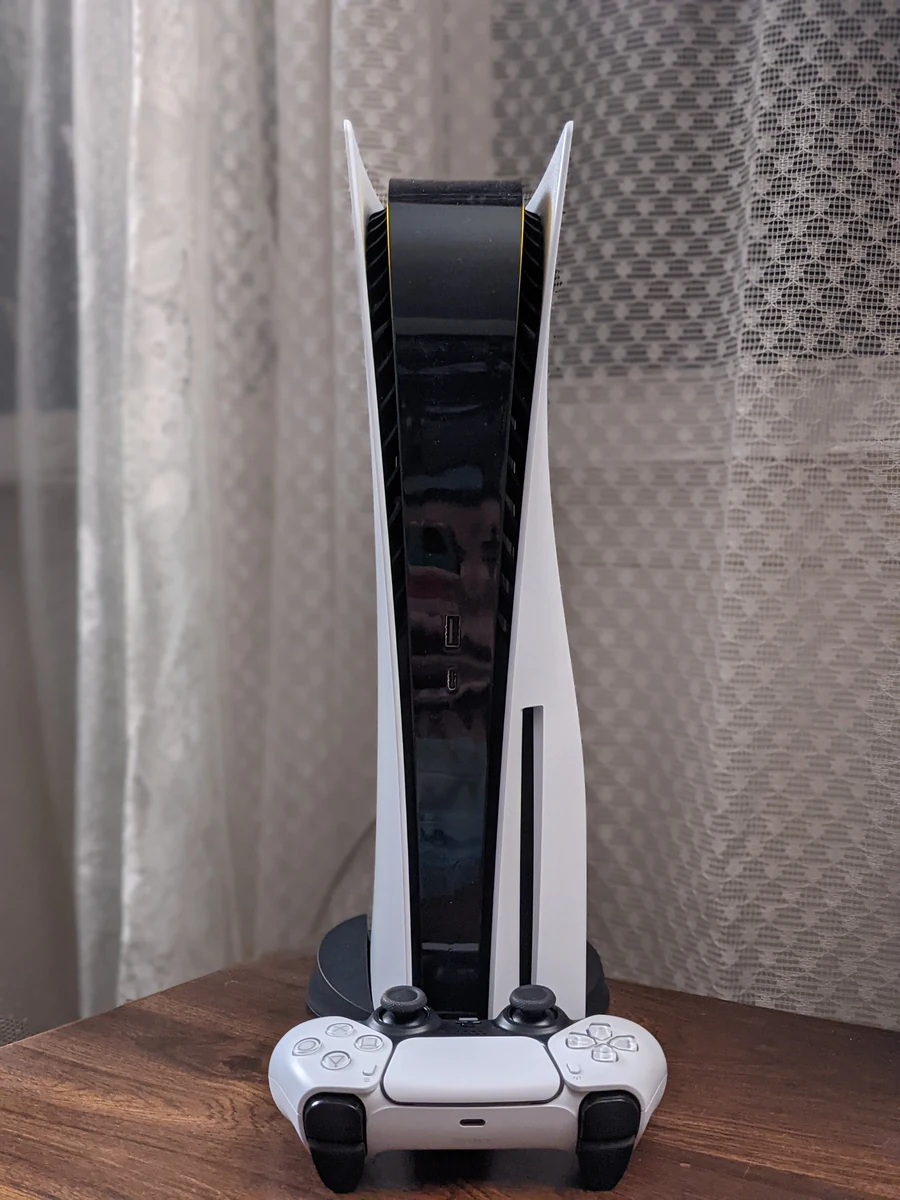
A practical GTA 6 launch checklist: account, storage, downloading, controller and a plan for keeping your map notes safe.
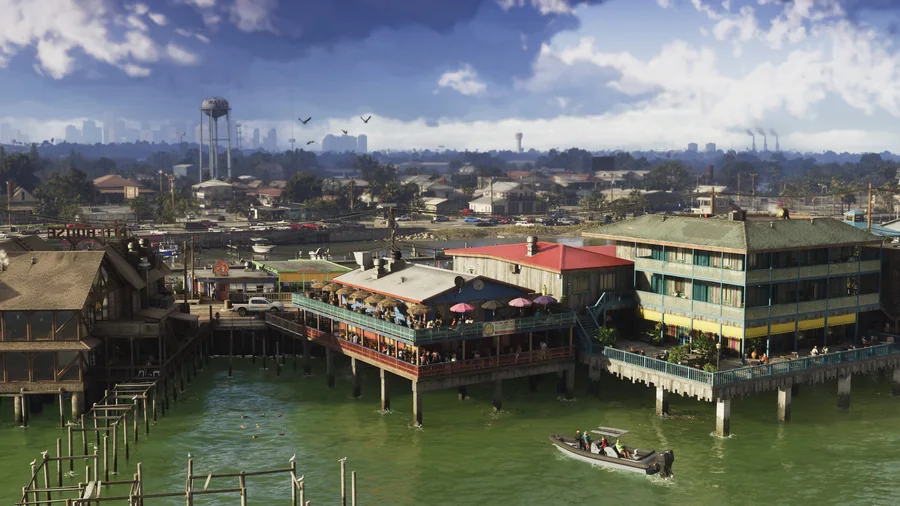
Understand Leonida through its regions, official images and the community map, with a clear distinction between scenery and verified locations.