

GTA VI / IN THIS SECTION
Clothes and appearance
Recreating a look and finding where an appearance option is available are different searches. Start with the visual detail you like, then check whether it is something the player can choose.
Details not confirmed yet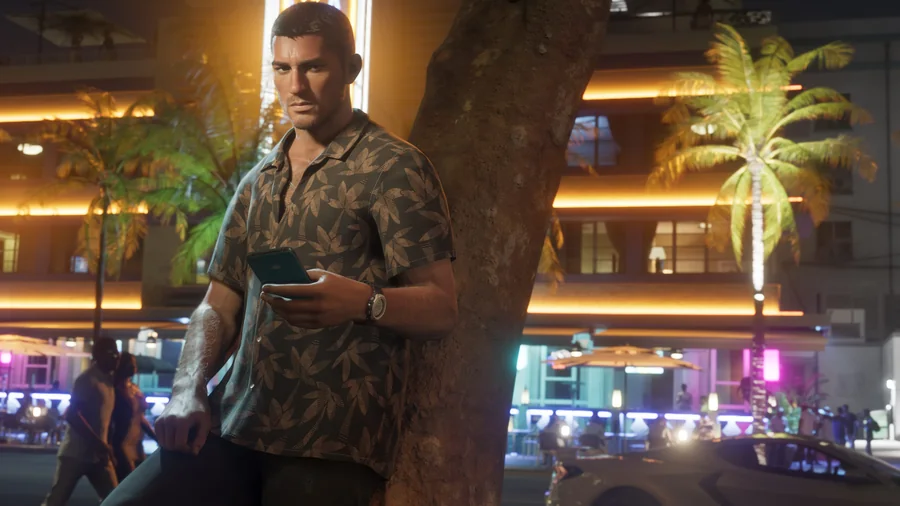
We’ll add the steps and locations as we can verify them in GTA 6. Until then, explore the places already introduced.
Places in LeonidaSeparate the look from the unlock
When examining a screenshot, distinguish what a character wears in the scene from a confirmed selection option. If the option is available, look for its location, cost and any access condition before planning a purchase. Check any claimed gameplay effect separately; a visible change alone does not establish one.
Use the available visual context
Browse the character pages and official trailer guidance to put the images in context. Use the source distinctions when checking whether a detail is merely visible or supported as an option for the player.
Useful right now
A few things you can already get ready.
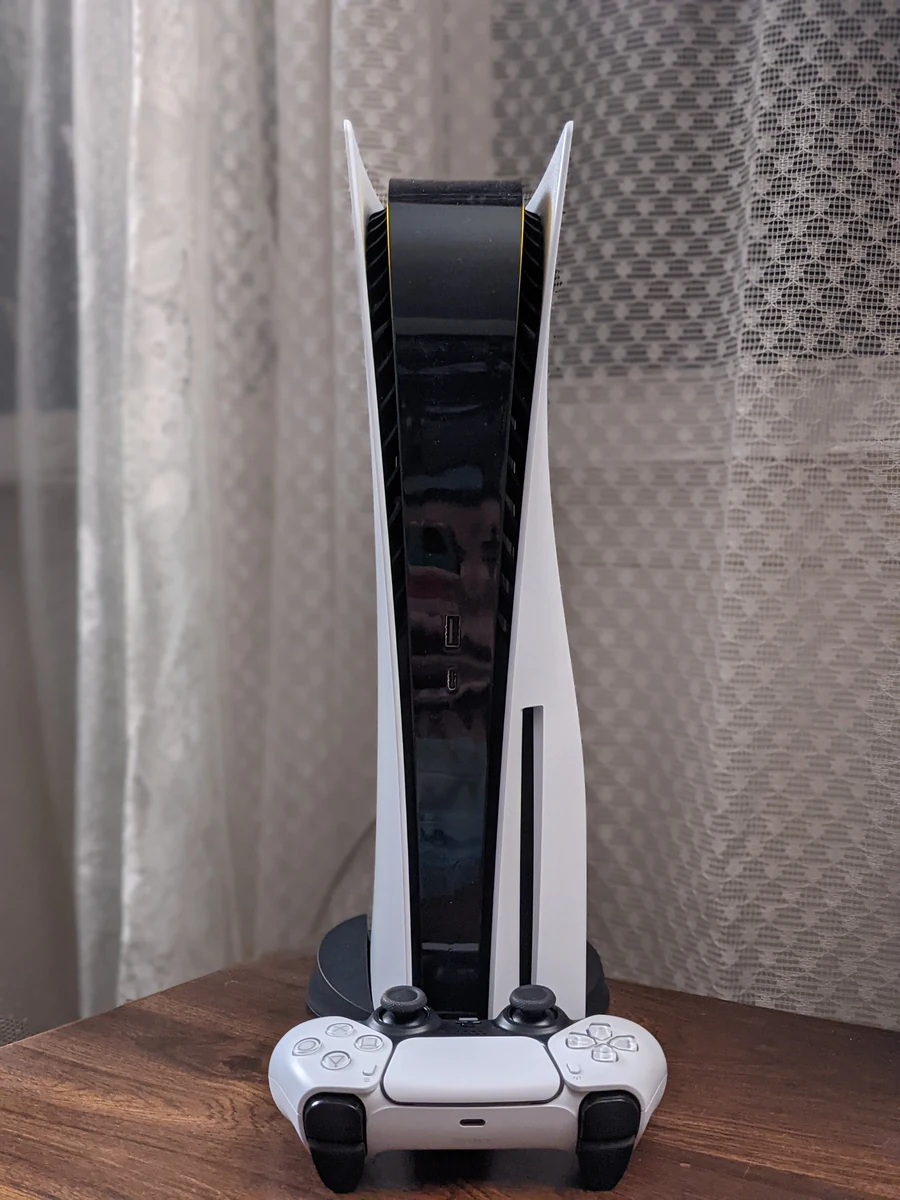
A practical GTA 6 launch checklist: account, storage, downloading, controller and a plan for keeping your map notes safe.
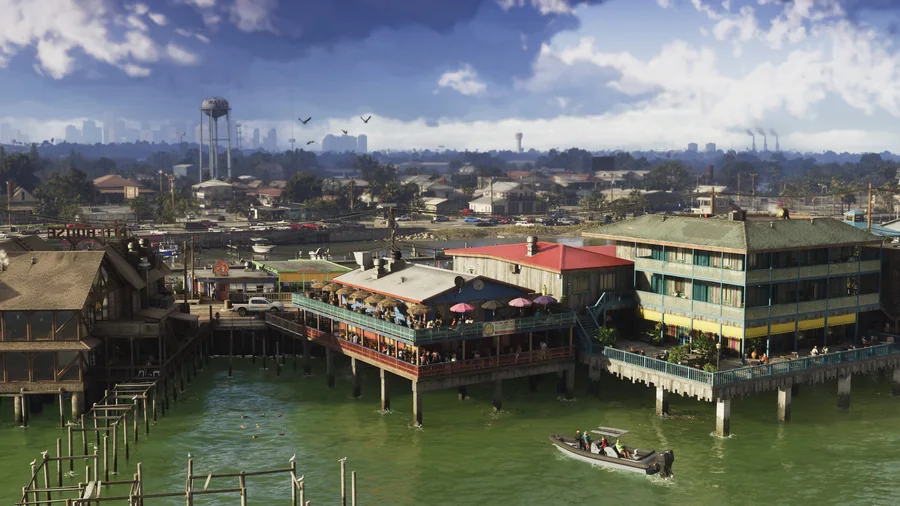
Understand Leonida through its regions, official images and the community map, with a clear distinction between scenery and verified locations.