

GTA VI / IN THIS SECTION
Controls and settings
Small text, unclear dialogue and uncomfortable controls call for different adjustments. Name the problem you want to solve and the platform you use before following a settings recommendation.
Ready to readChoose a topic. We’ll take you from there.
Places in LeonidaDescribe the result you want
Before changing an option, match its menu wording to the advice and check what the change is intended to do. Readability, control comfort and performance involve different trade-offs. For a setting described as best, check the device, test conditions and intended user before deciding whether that recommendation fits your needs.
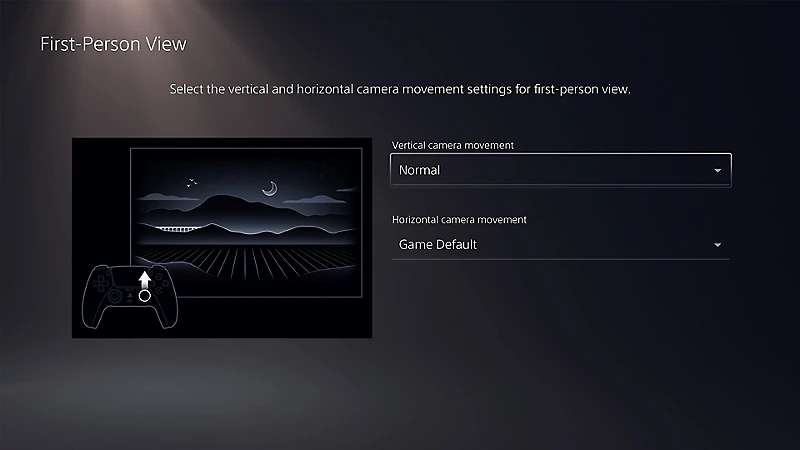
Check whether the setting belongs to the site
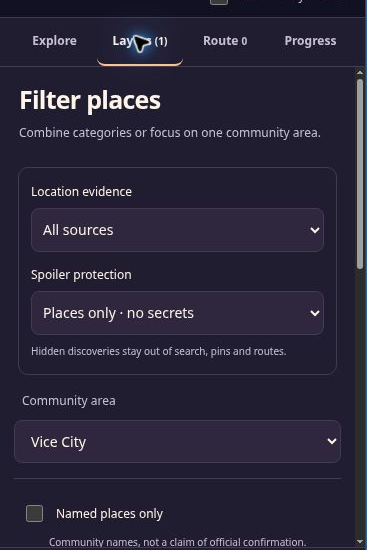
GuideDistrict’s language and colour preferences are stored in your browser; they do not change the game. The privacy page explains local storage. For the map’s own controls, use the map guide. The preparation checklist covers console readiness.
In this category
Useful right now
A few things you can already get ready.
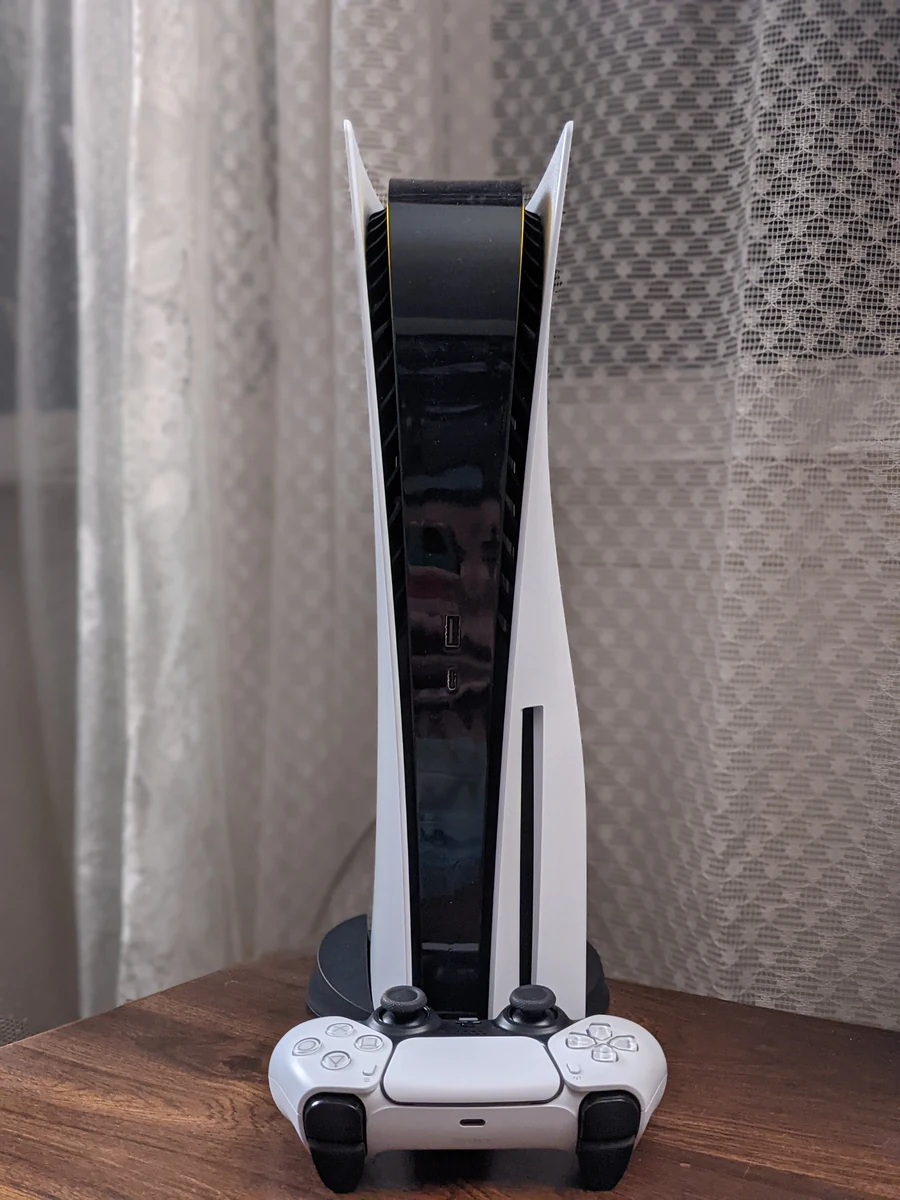
A practical GTA 6 launch checklist: account, storage, downloading, controller and a plan for keeping your map notes safe.
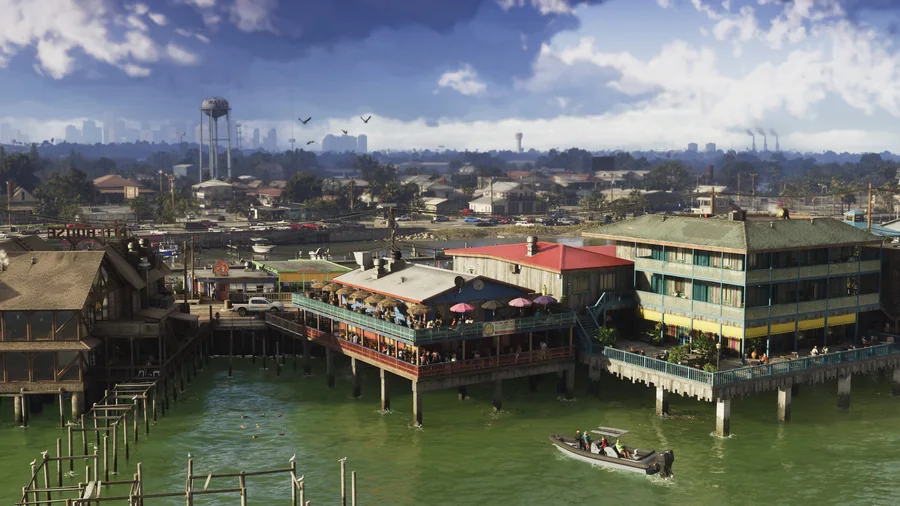
Understand Leonida through its regions, official images and the community map, with a clear distinction between scenery and verified locations.