

GTA VI / GUIDEDISTRICT
GTA 6 download missing or stuck: console checks
On this page
If GTA 6 has not appeared in your download queue, check the preload opening time, purchase account and free storage first. A download that is still progressing is different from a failed installation. These are official troubleshooting checks, not evidence of a current GTA 6 outage.
Identify what is happening
Check the PS5 or Xbox preload schedule. Before that opening, an empty queue is not by itself an installation failure. Confirm the game is associated with the account you are using.
Record the displayed message, error code, progress and time. Is only GTA 6 affected, or are other downloads failing too? Keep these details for support instead of trying unrelated fixes.
PS5: start with the queue
- Open Downloads/Uploads from the control centre. Select GTA 6, pause the download, then resume it.
- Check PlayStation’s service-status page. If an alert concerns your problem, wait for the service to recover.
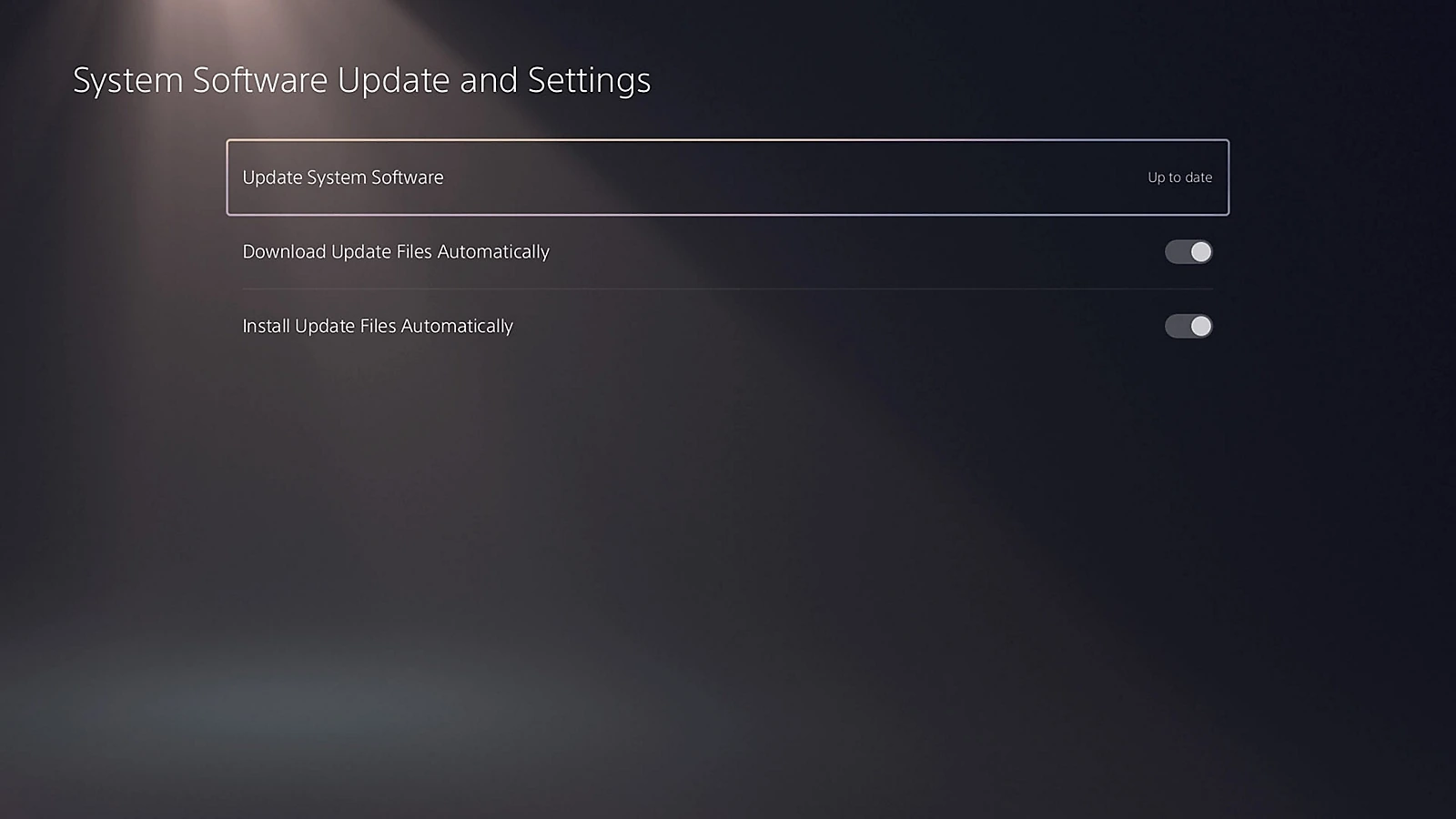
- Compare the space required on the game’s product page with Settings > Storage. Check for a console system-software update.
Xbox: verify automatic downloading
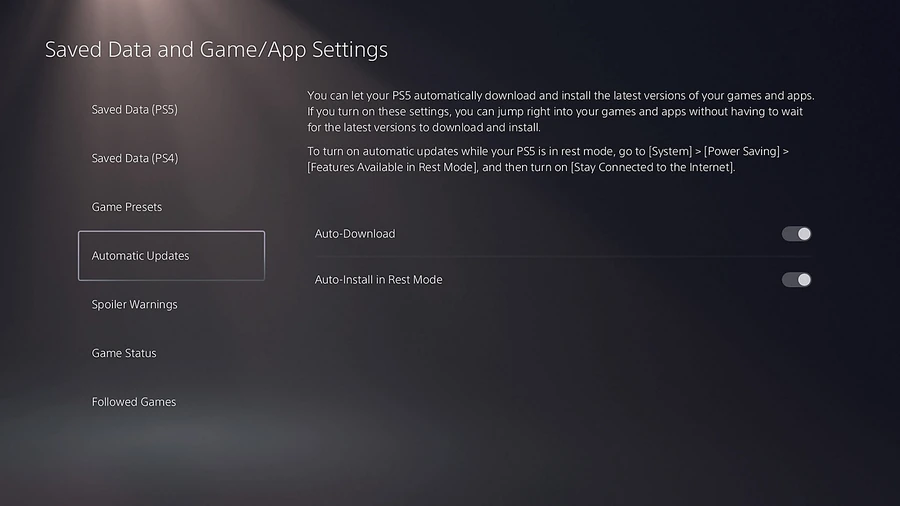
Rockstar says automatic updates must be enabled and the console must be on or in Sleep mode. Its FAQ links directly to Xbox’s installation troubleshooter, included below. Follow that console-specific guide if the installation stops.
Do not apply the PS5 menu paths to Xbox. For a slow transfer, use the actual size and connection speed in the download calculator; its estimate is not a promise about server speed.
Before starting the whole download again
On PS5, PlayStation lists canceling and deleting the queued download as a later step. That can require downloading the files again. Try the checks above before discarding a large transfer.
If the files have finished downloading but the game is locked, switch to the launch and license checks. If the transfer still fails, give platform support your model, error code and the checks already tried. Never send your password or full purchase code.
Sources
Useful next steps

Free space for GTA 6, PS5 and Xbox storage choices, USB limits and keeping your saves when moving games.
GTA 6 installed but locked or unable to start: release time, purchase account and PS5 license checks before downloading it again.
Estimate your GTA 6 download time with file size, connection speed and realistic efficiency, with clear worked examples.