GTA VI / GUIDEDISTRICT
GTA 6 storage: how much space should you free?
On this page
Rockstar asks for up to 212 GB of free space, depending on the console. Check the storage where you plan to install the game. This requirement is not a measurement of the download.
Check the installation destination
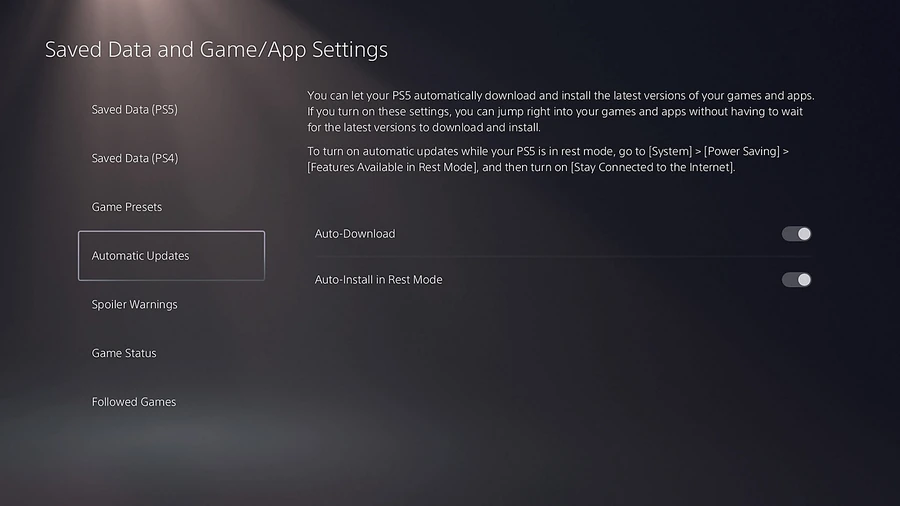
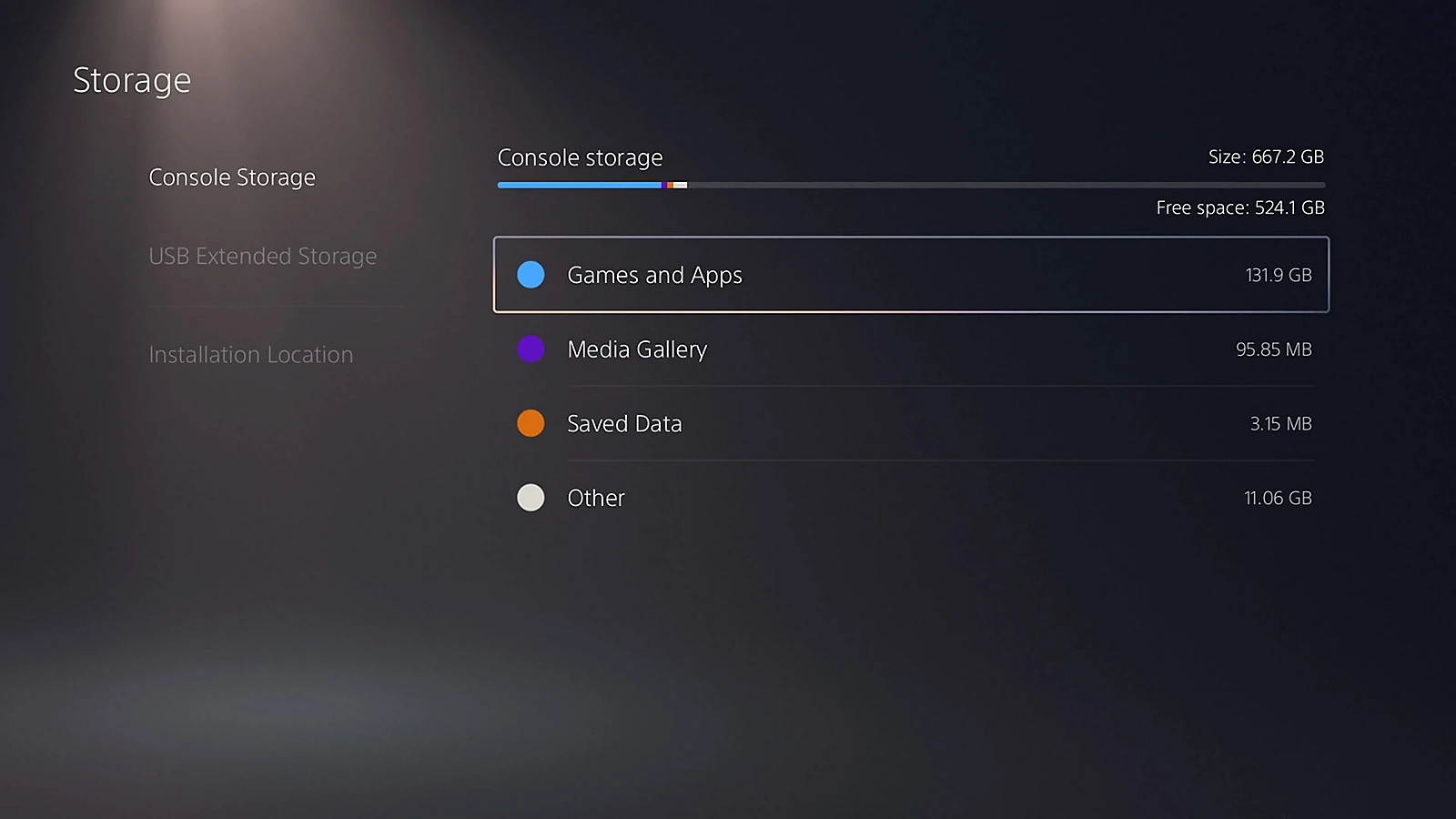
On PS5, open Settings → Storage. On Xbox, inspect your storage devices in the console settings. Check free space on the chosen destination, not just the sum across every connected drive.
Make room without confusing games and saves
- Choose a large game you do not currently need.
- Use the console’s move or uninstall option for that game. Saved-data management is a separate operation.
- Read the confirmation screen before proceeding. Do not delete saved data just to free installation space.
- Return to storage and check the newly available space before starting the download.
Which storage can run the game?
Keeping game files on a drive and running them from that drive are different things. PS5 games stored on USB must return to supported console storage to run. Xbox Series X|S titles using the current-generation storage architecture run from internal storage or a compatible expansion card. Follow the console’s compatibility message for the game.
Then check the download
Read the transfer size on your console when it becomes available, then use the download calculator. If free space is sufficient but installation still fails, follow the installation checks rather than formatting a drive.