

GTA VI / IN THIS SECTION
Fix a problem
Start with what you can see: a download taking longer than expected, an empty map, a missing place or notes that are no longer there. These guides help you choose the next useful check.
Ready to readChoose a topic. We’ll take you from there.
Places in LeonidaIdentify what is taking time
For a download, note the platform, the size still to transfer and the speed shown by the console. Compare them with the download estimate. A completed transfer and a ready-to-play installation are different stages. The preload guide explains preparation for each platform; it is not a diagnosis of every console error.
When the map looks wrong
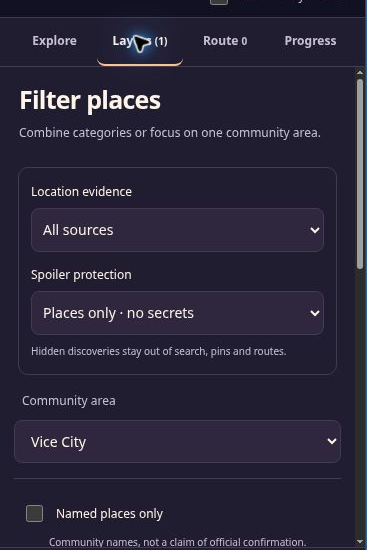
If the map is blank, reload once and check your connection. If the place list has loaded, you can still use it. For missing places, clear the filters and turn off saved-only and visible-area filtering. Map troubleshooting walks through these checks.
An approximate position is a separate issue from a display failure. Read how accurate the map is before treating a community marker as an exact location.
Protect notes before resetting anything
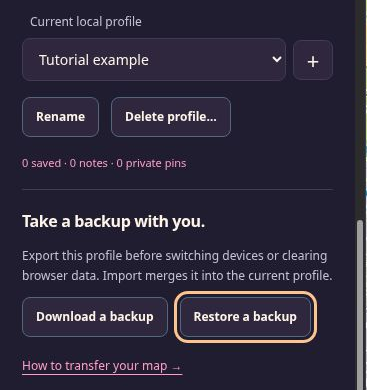
Your map data belongs to a browser profile, not a game account. Check that you are using the same browser and map profile. Follow backup and restore before clearing site data or changing devices.
If the site offers a recovery download because stored data cannot be read, keep that raw file separately. It is not a normal backup for the import button.
Describe a correction clearly
For an incorrect label or broken guide, prepare a correction with the page address, what happened and any supporting source. The tool downloads a file to your device; it does not send it. Use the glossary if a guide uses an unfamiliar gaming term.
In this category

GTA 6 download missing, slow or stuck: check the preload schedule, storage and PS5 download queue, with official Xbox support links.
GTA 6 installed but locked or unable to start: release time, purchase account and PS5 license checks before downloading it again.
Troubleshoot missing places, loading failures, storage warnings, tab conflicts and rejected backups without discarding local progress.
Prepare a useful correction with the page address, a precise problem and supporting evidence, then download the text file.
Useful right now
A few things you can already get ready.
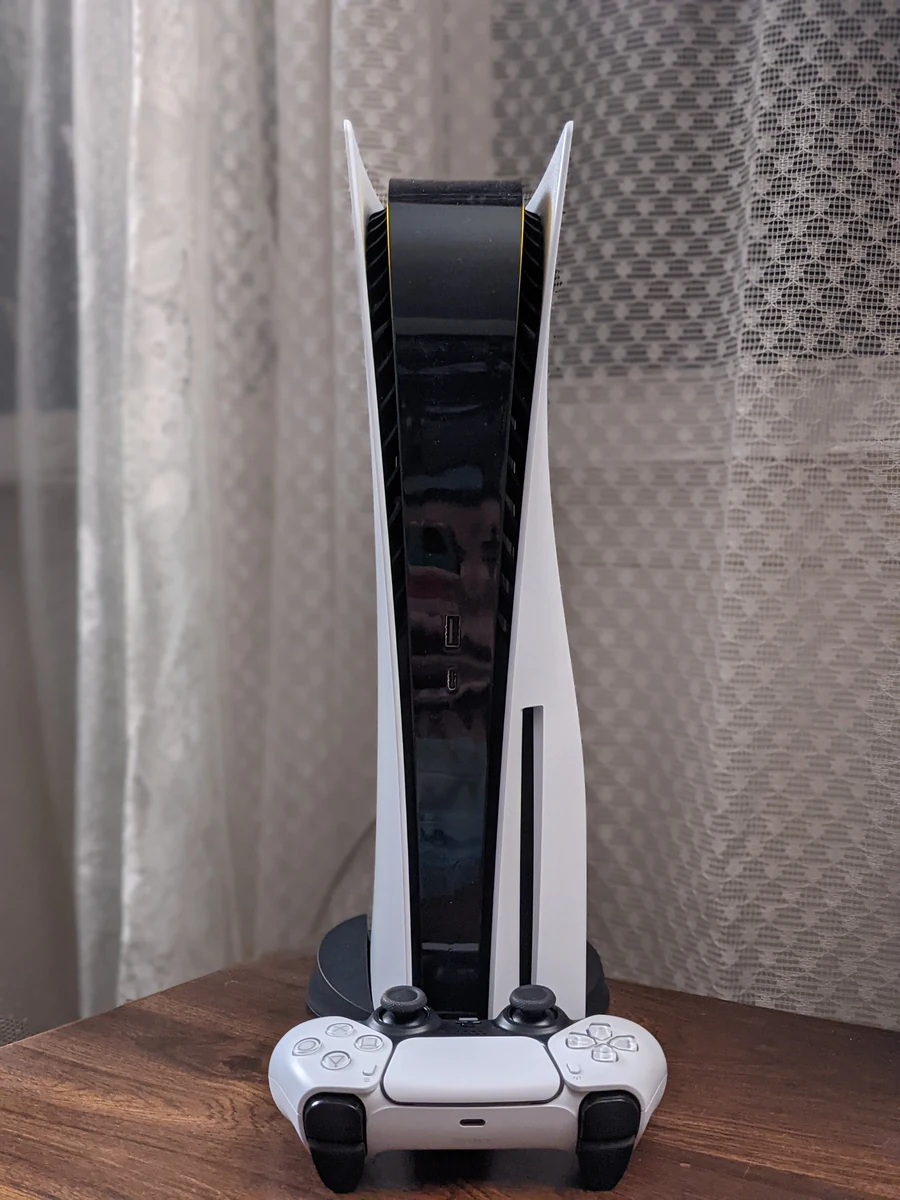
A practical GTA 6 launch checklist: account, storage, downloading, controller and a plan for keeping your map notes safe.
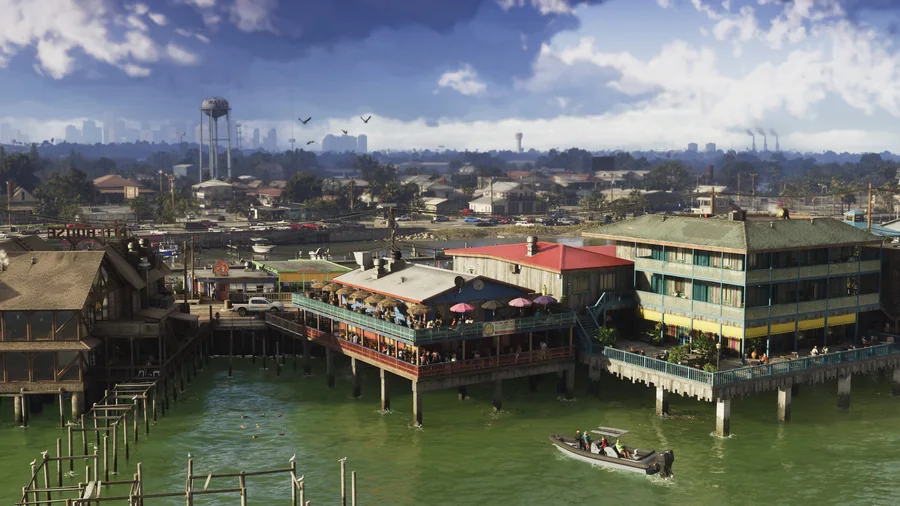
Understand Leonida through its regions, official images and the community map, with a clear distinction between scenery and verified locations.