

GTA VI / GUIDEDISTRICT
GTA 6 codes: redeeming and purchase problems
On this page
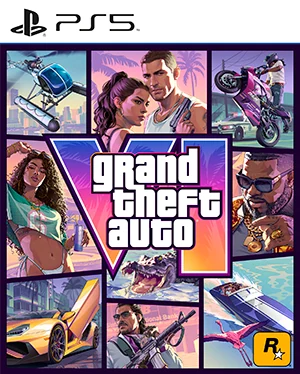
First identify whether the problem concerns the order, the code or the game licence. A missing or unreadable box code goes back to the retailer. Redeeming a valid code does not unlock the game before its release time.
Before entering a code
Use the account on which you want to own the game. Compare the platform and account region with the product you bought; the editions guide explains the box and regional distinctions. Keep the receipt and the code private.
Use the official redemption page
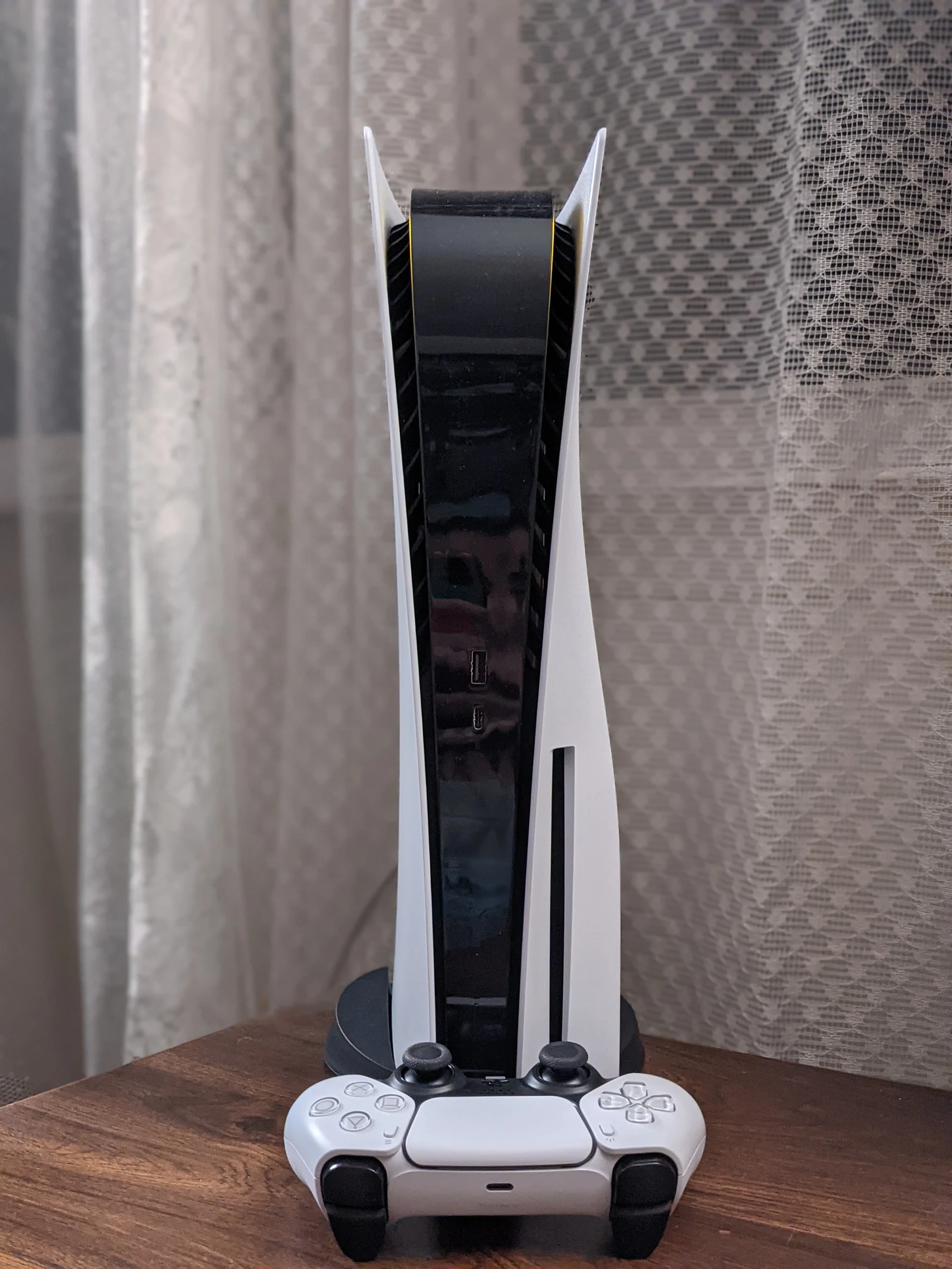
- PlayStation on the web: sign in to PlayStation Store with the intended account. Open your avatar menu and choose Redeem Code.
- Xbox: follow the Xbox redemption link in Sources, then sign in to the intended Microsoft account.
- Enter the code only in the official service. Read the product and account confirmation before validating.
- Check that the game appears in your account library, then return to the preload guide.
Who can help with each problem?
- No code, unreadable print or late delivery: the retailer handling your order.
- Code reported as used: first check your account library and order history, then use the platform’s code support. Do not post the code publicly.
- Wrong product or region: compare the listing, receipt and account before contacting the seller or platform.
- Game owned but locked: use the launch checks. Game downloading unsuccessfully: use installation help.
Sources
Useful next steps

Compare GTA 6 Standard and Ultimate, preorder bonuses, the code-in-box version and regional code restrictions before buying.
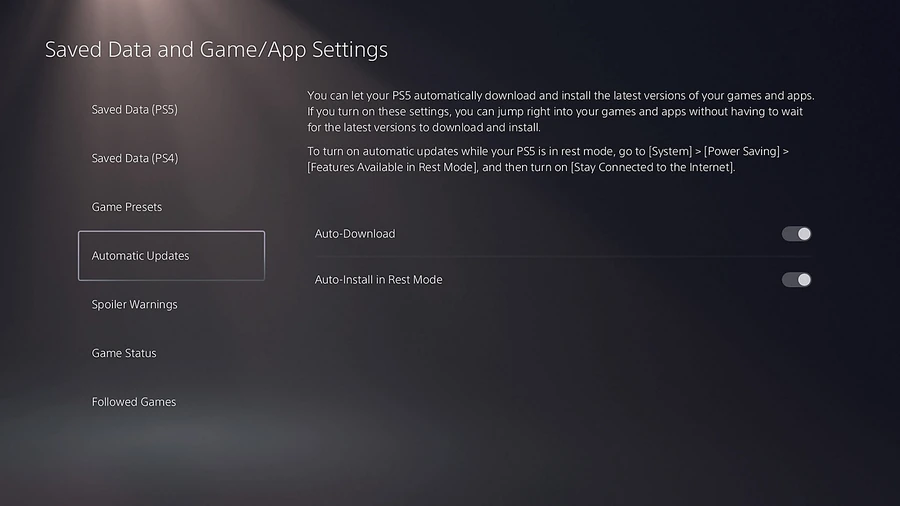
GTA 6 download missing, slow or stuck: check the preload schedule, storage and PS5 download queue, with official Xbox support links.
GTA 6 installed but locked or unable to start: release time, purchase account and PS5 license checks before downloading it again.