

GTA VI / IN THIS SECTION
Homes and properties
Seeing a building, entering it, buying it and using it for storage are separate possibilities. Decide which of those questions you need answered before following a property marker.
Details not confirmed yet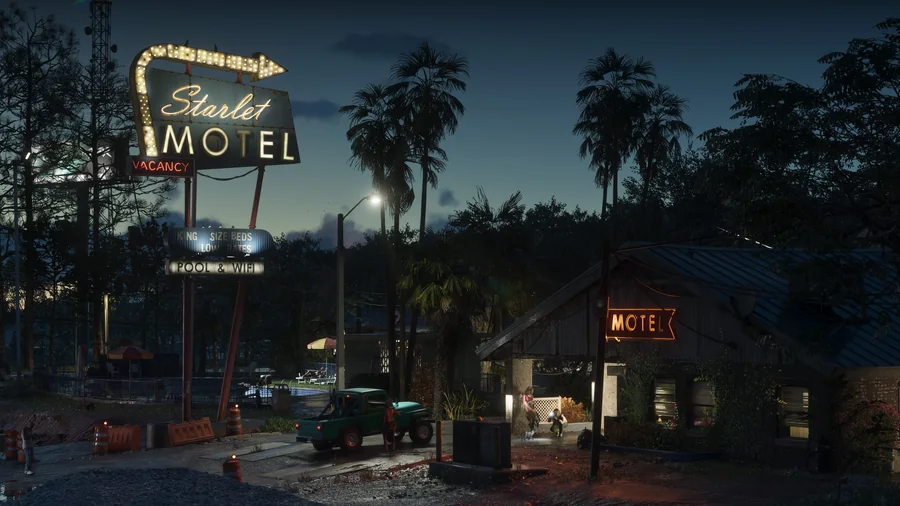
We’ll add the steps and locations as we can verify them in GTA 6. Until then, explore the places already introduced.
Places in LeonidaFirst identify what you need from a place
If you want somewhere to return to, look for verified information about access and actual use. If you are exploring architecture, the exterior and its location may be enough. Check any claimed price or ownership option separately. A name or building category on a community map proves none of those functions.
Explore the setting now
Browse the regions for geographical context. You can save interesting places using map favourites and notes, then consult the accuracy guide to understand what their markers do and do not establish.
Useful right now
A few things you can already get ready.
A practical GTA 6 launch checklist: account, storage, downloading, controller and a plan for keeping your map notes safe.
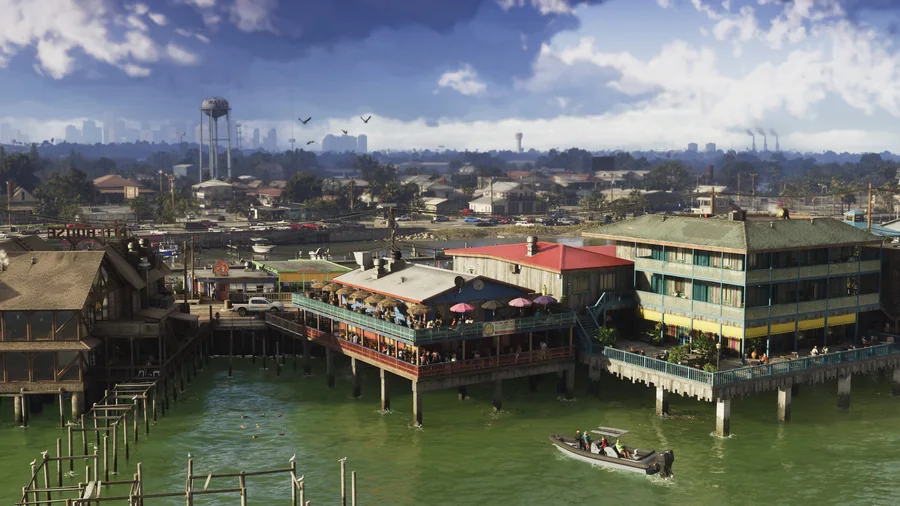
Understand Leonida through its regions, official images and the community map, with a clear distinction between scenery and verified locations.